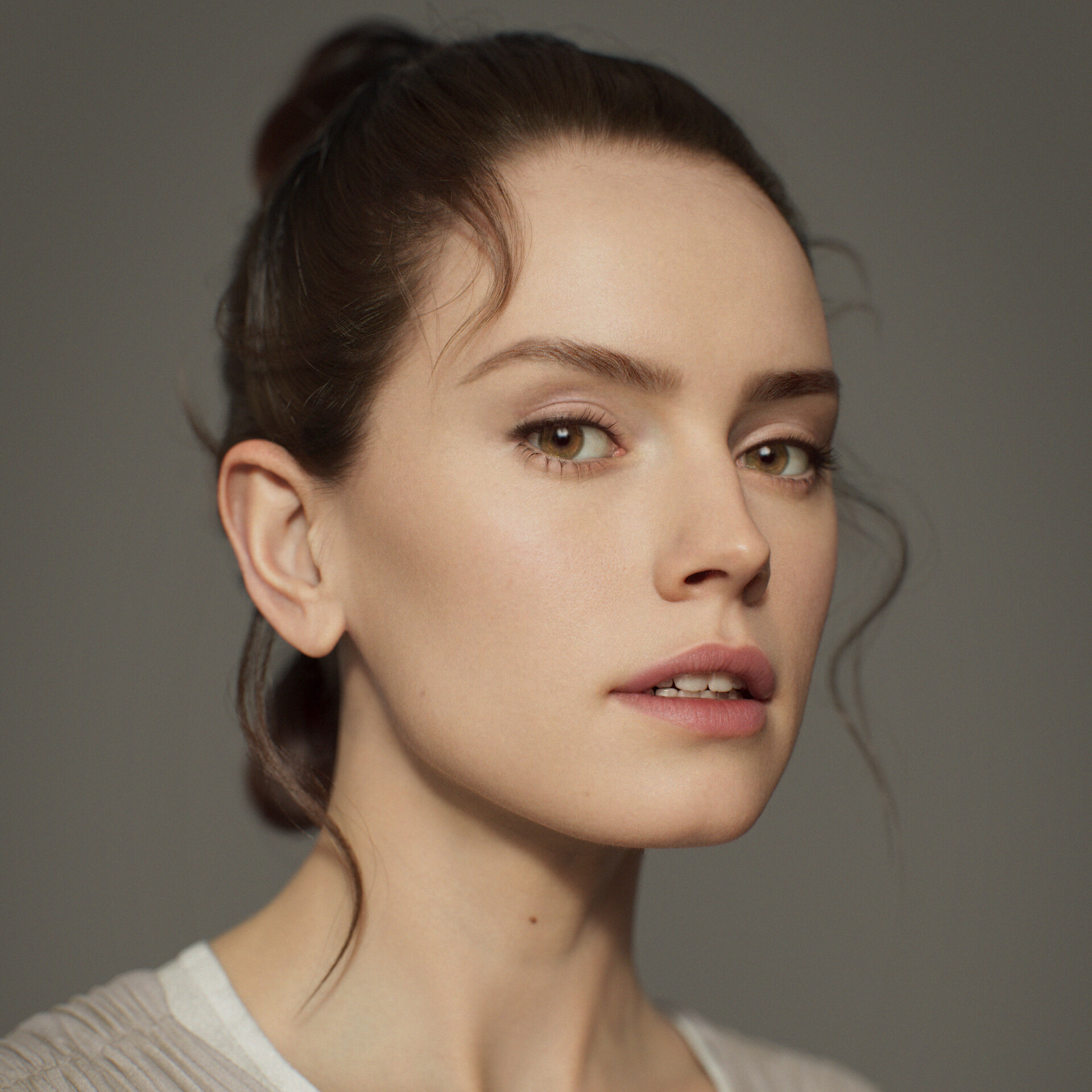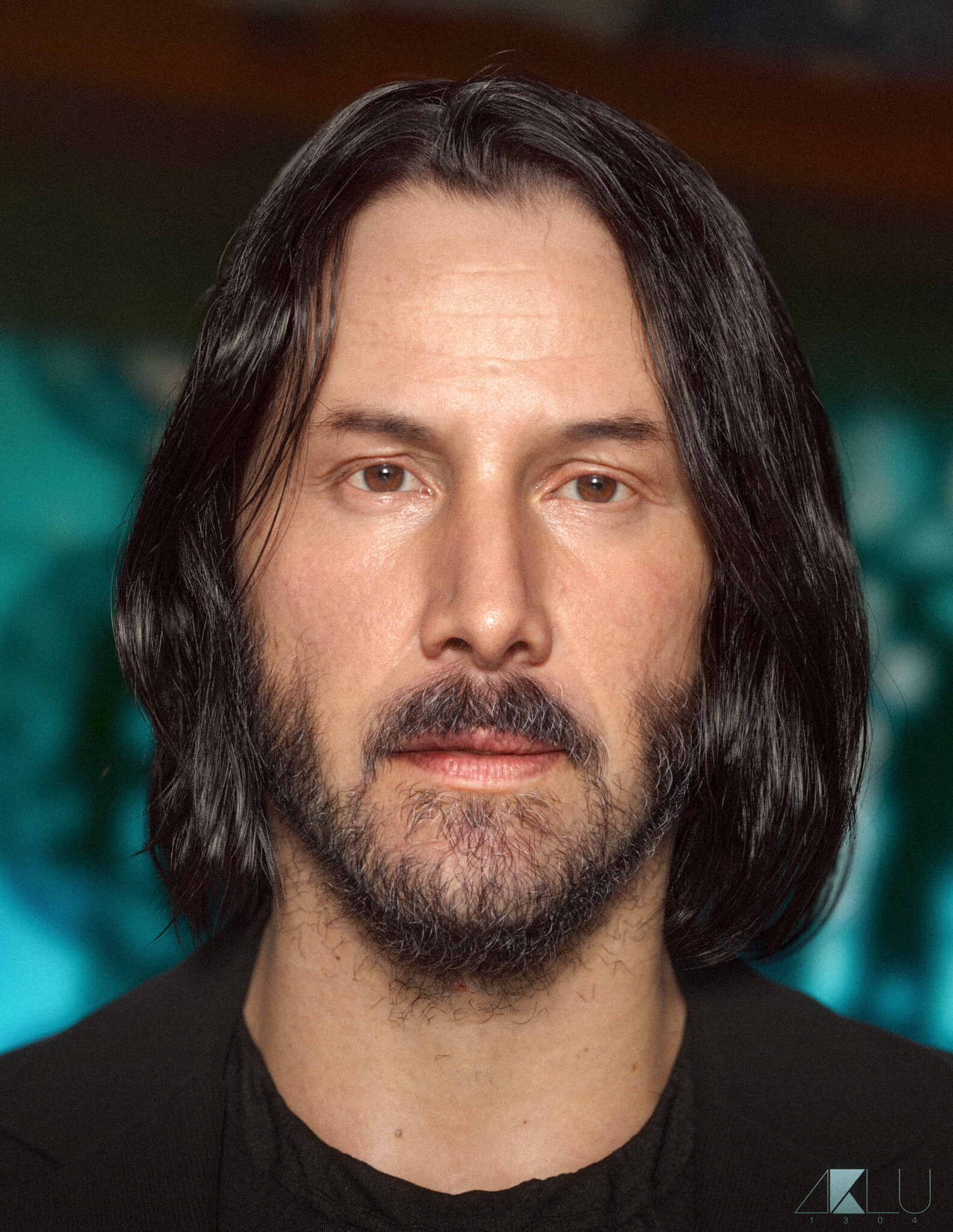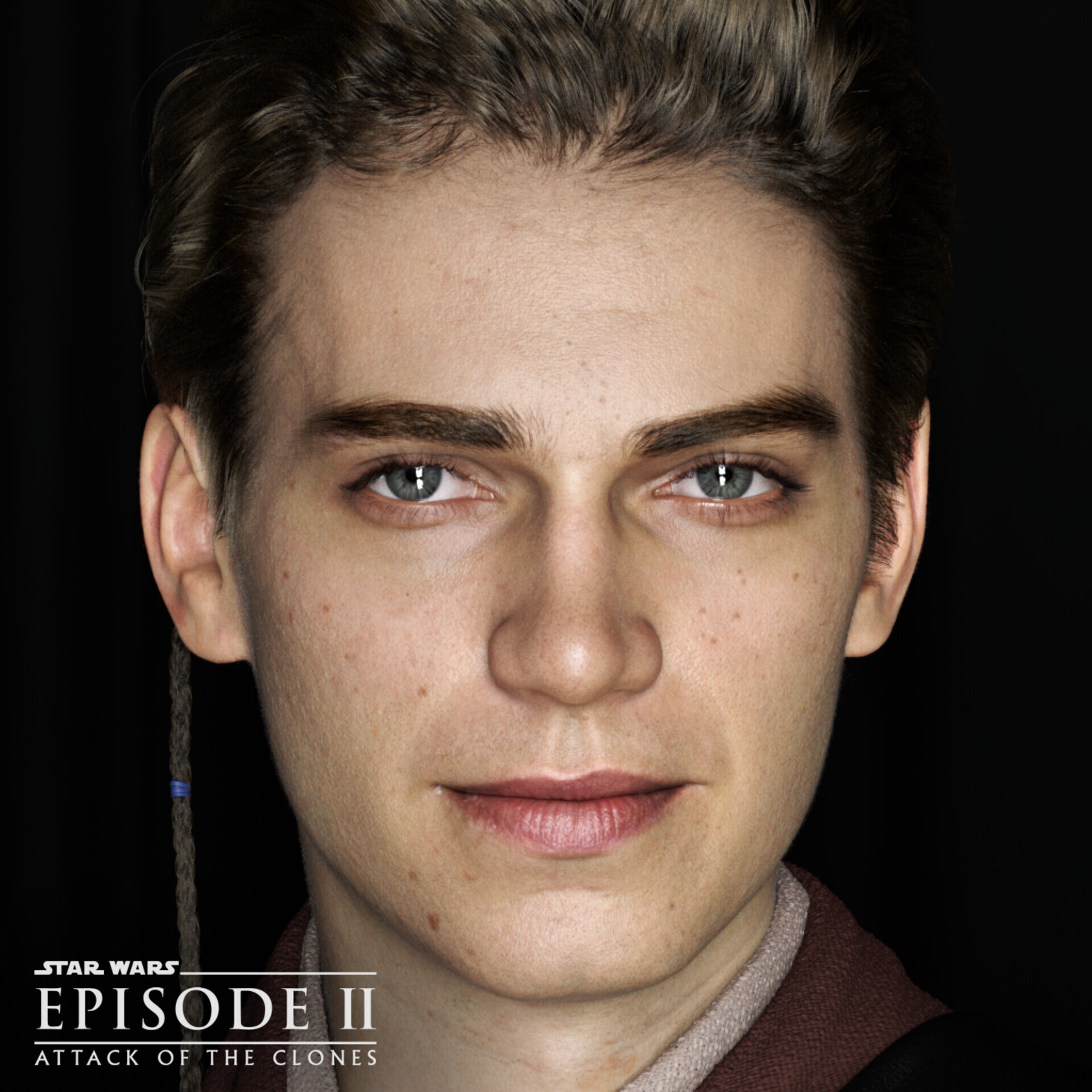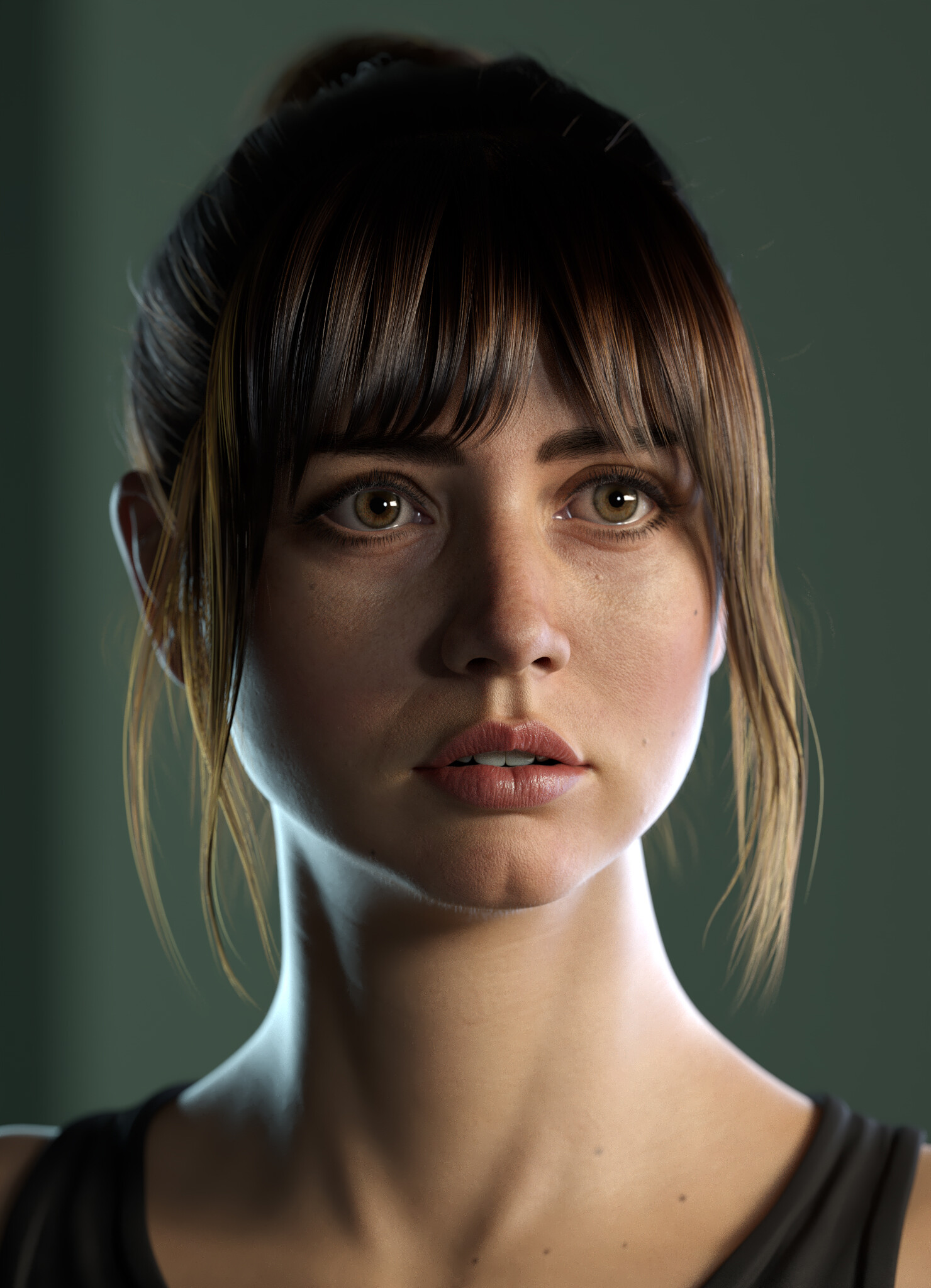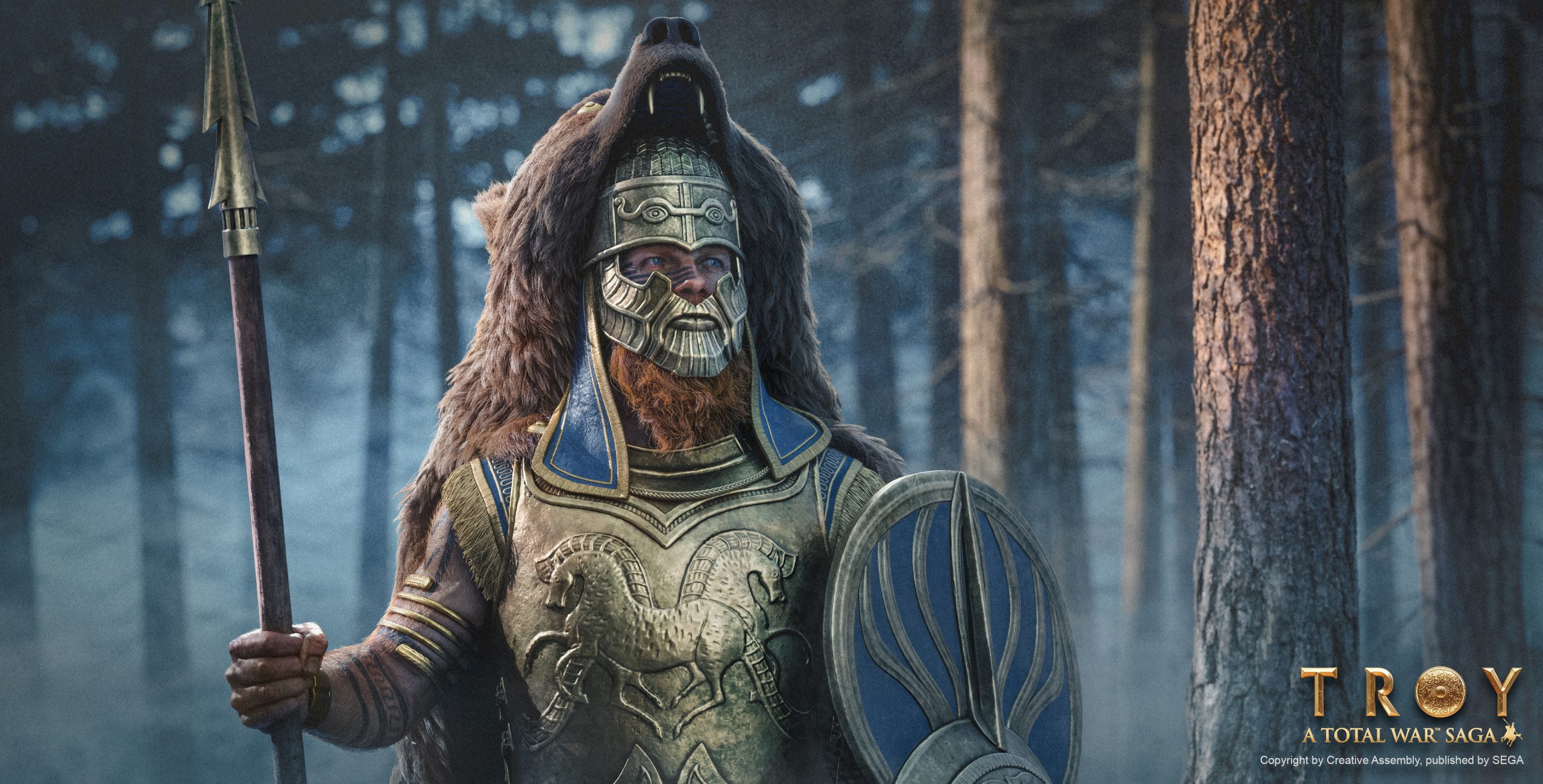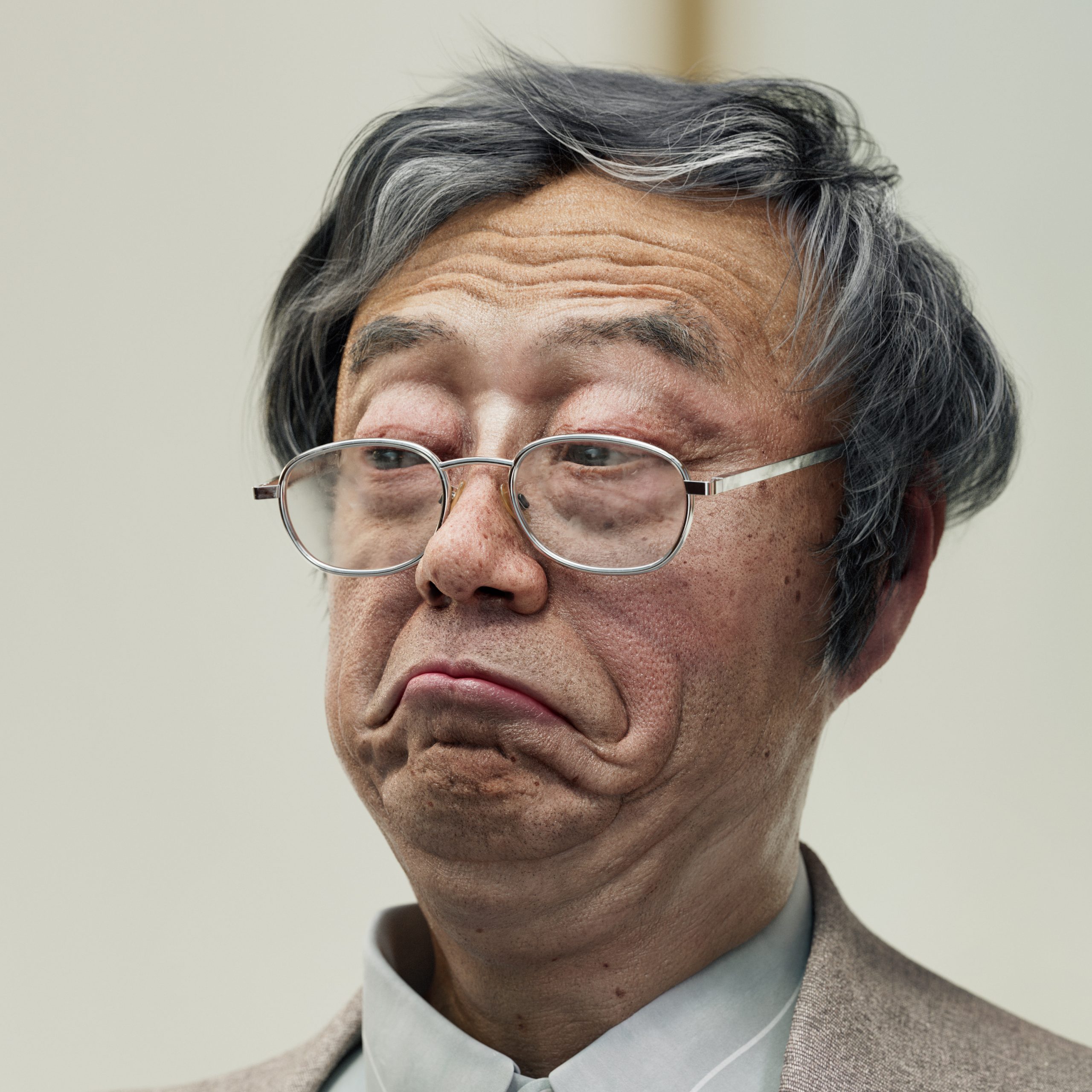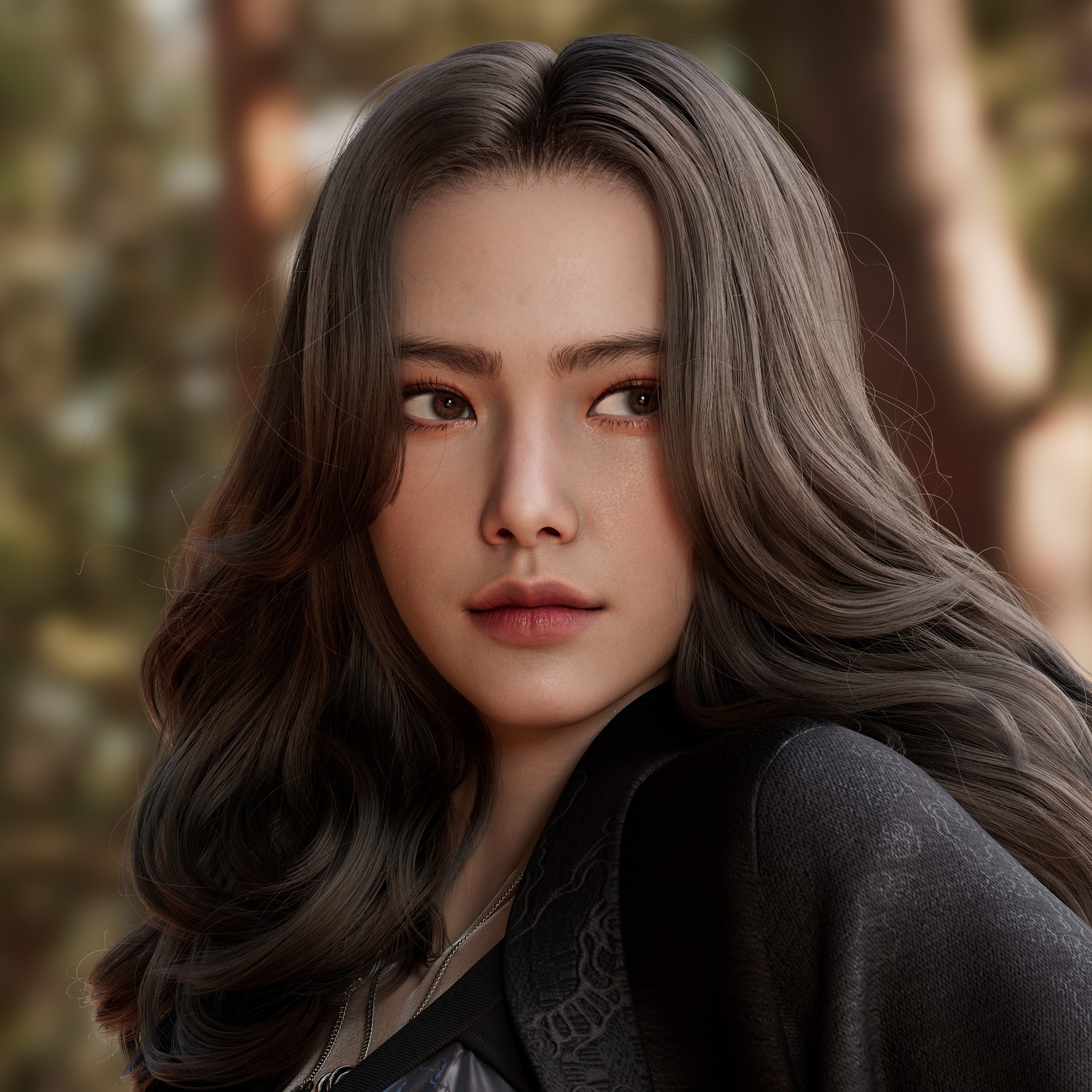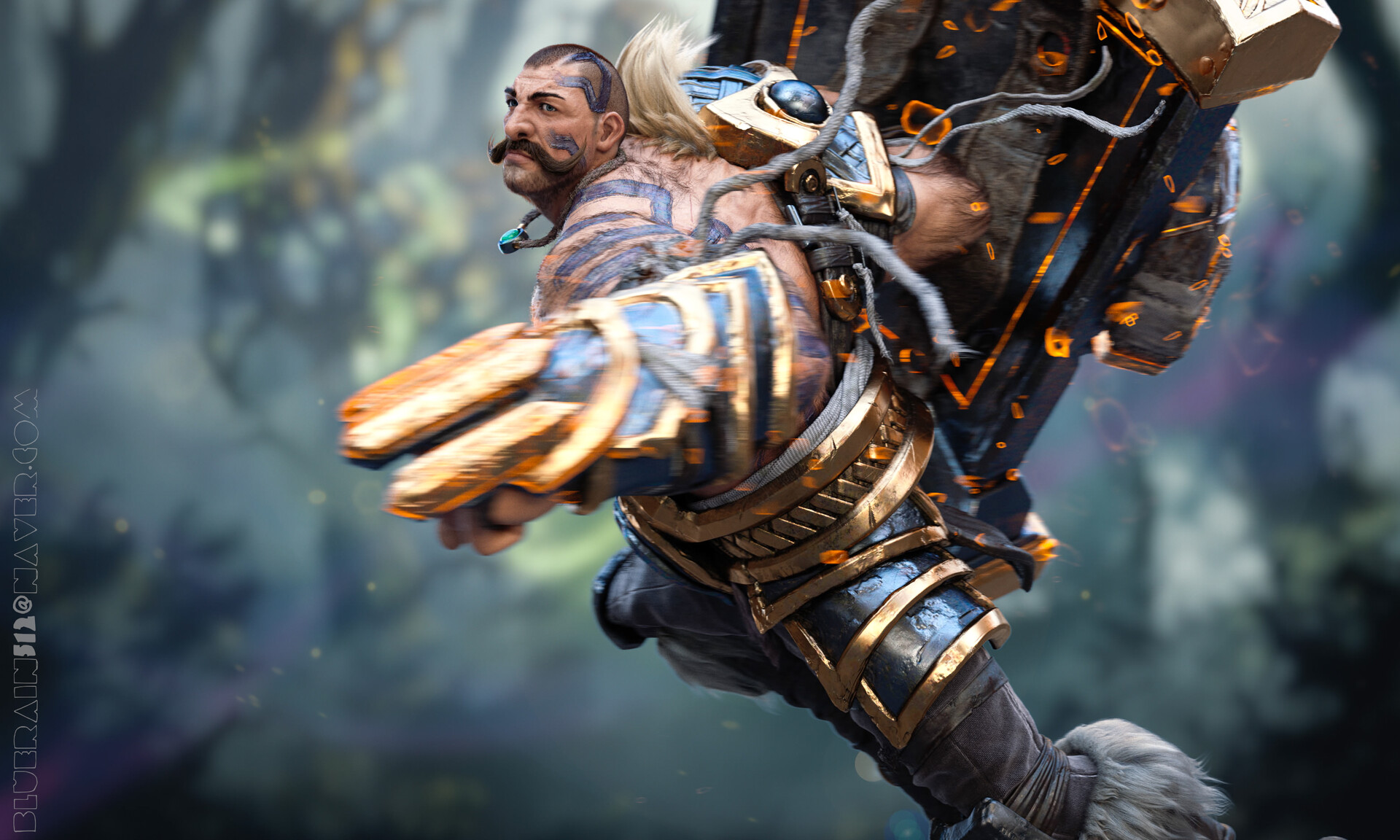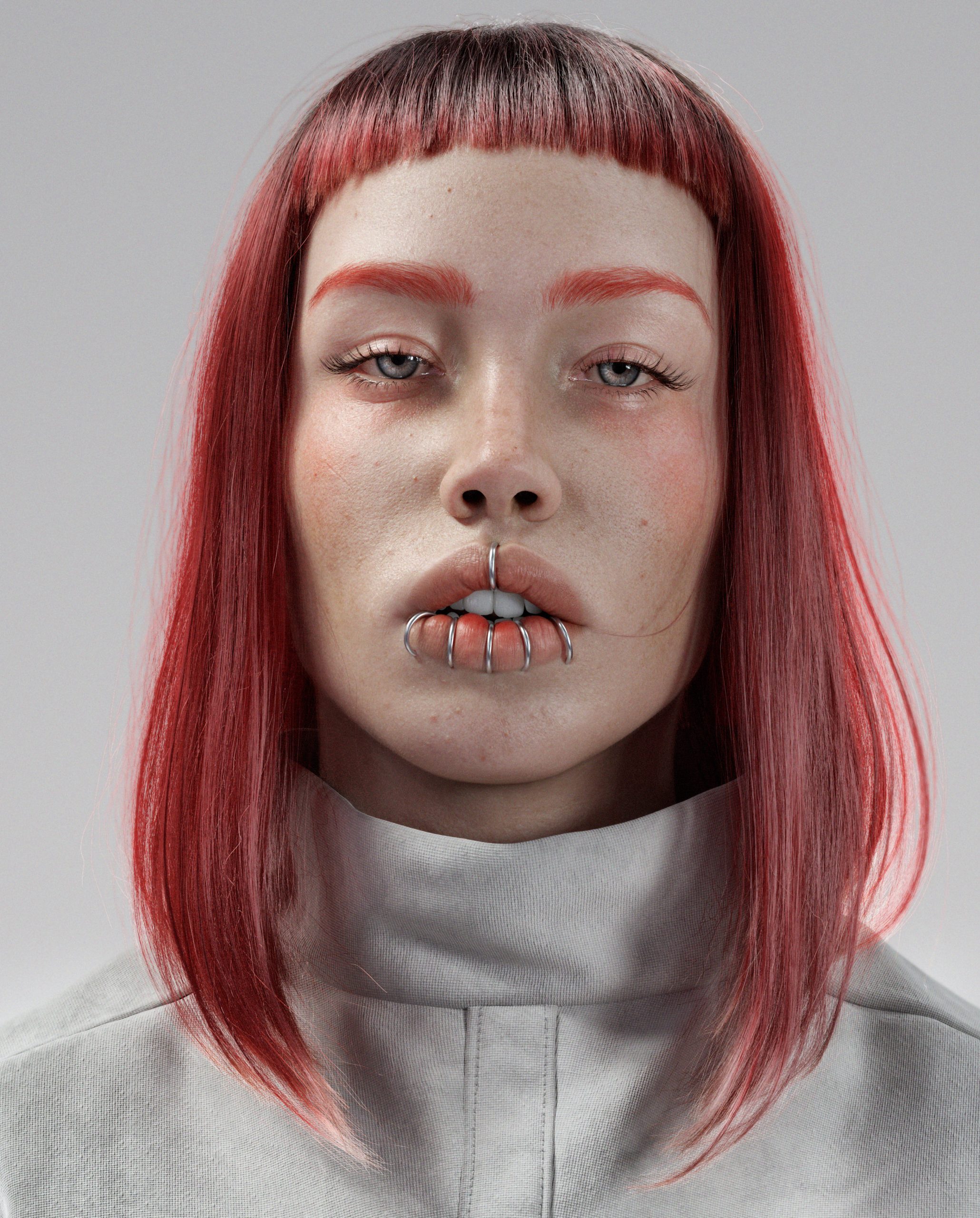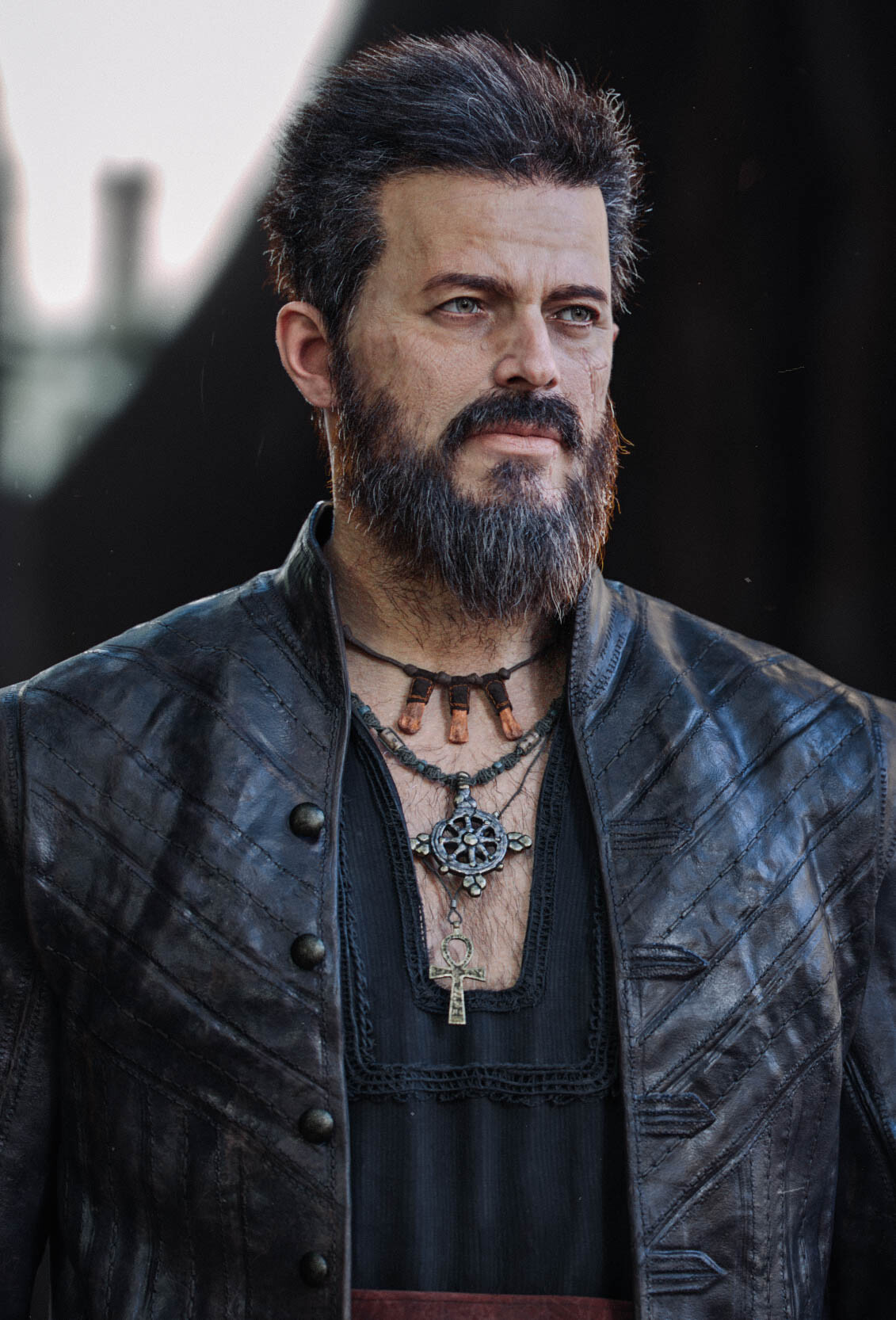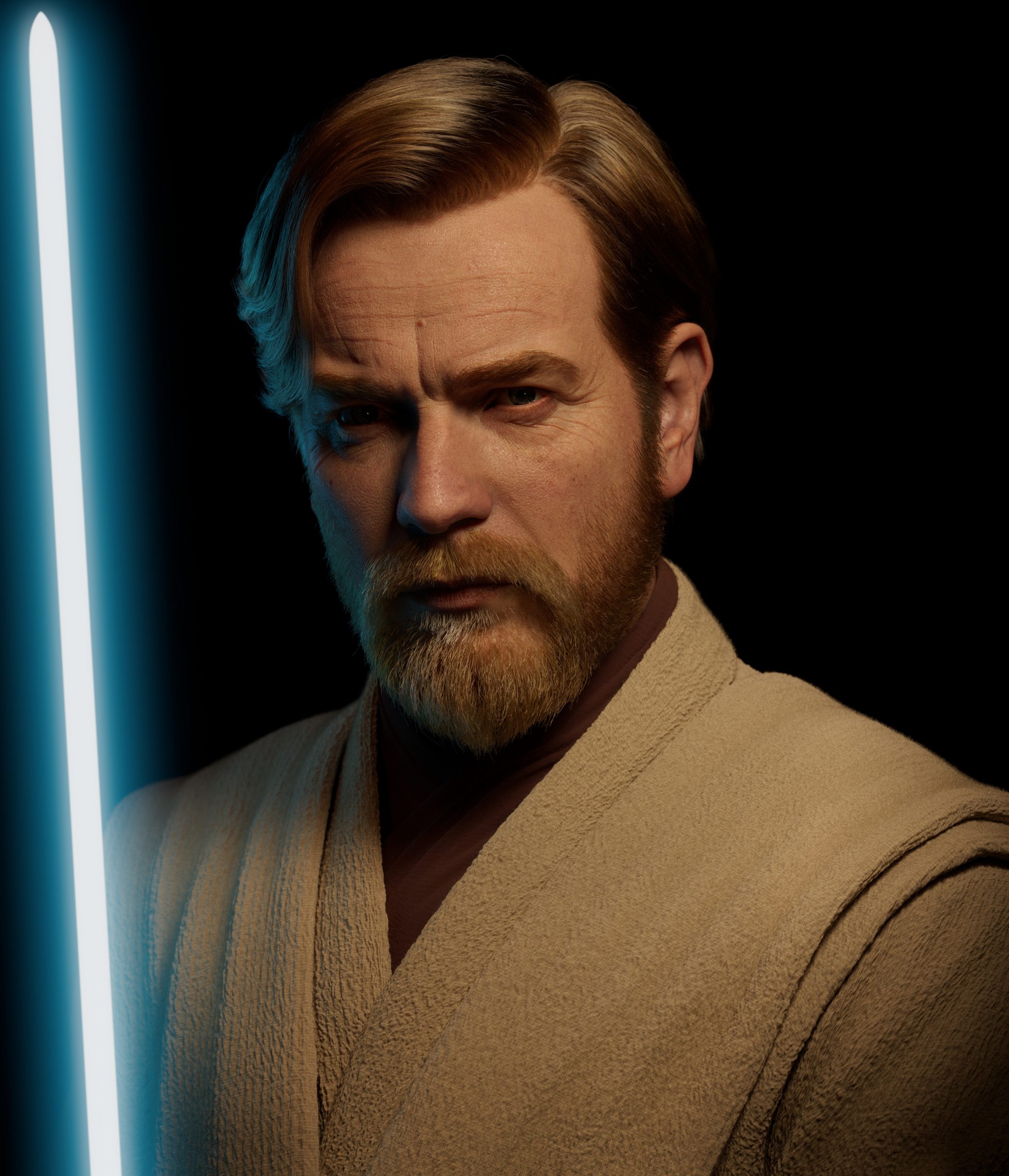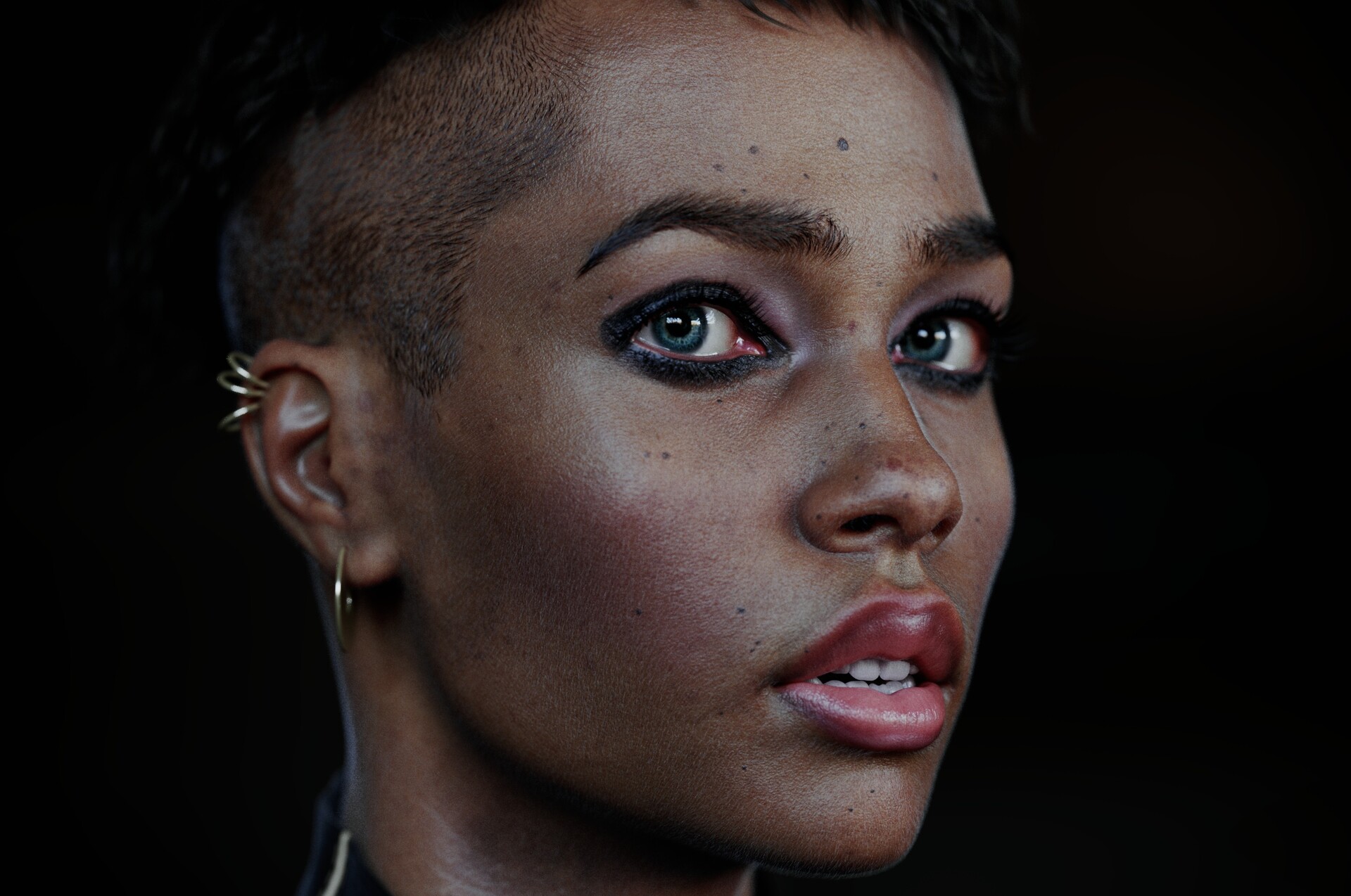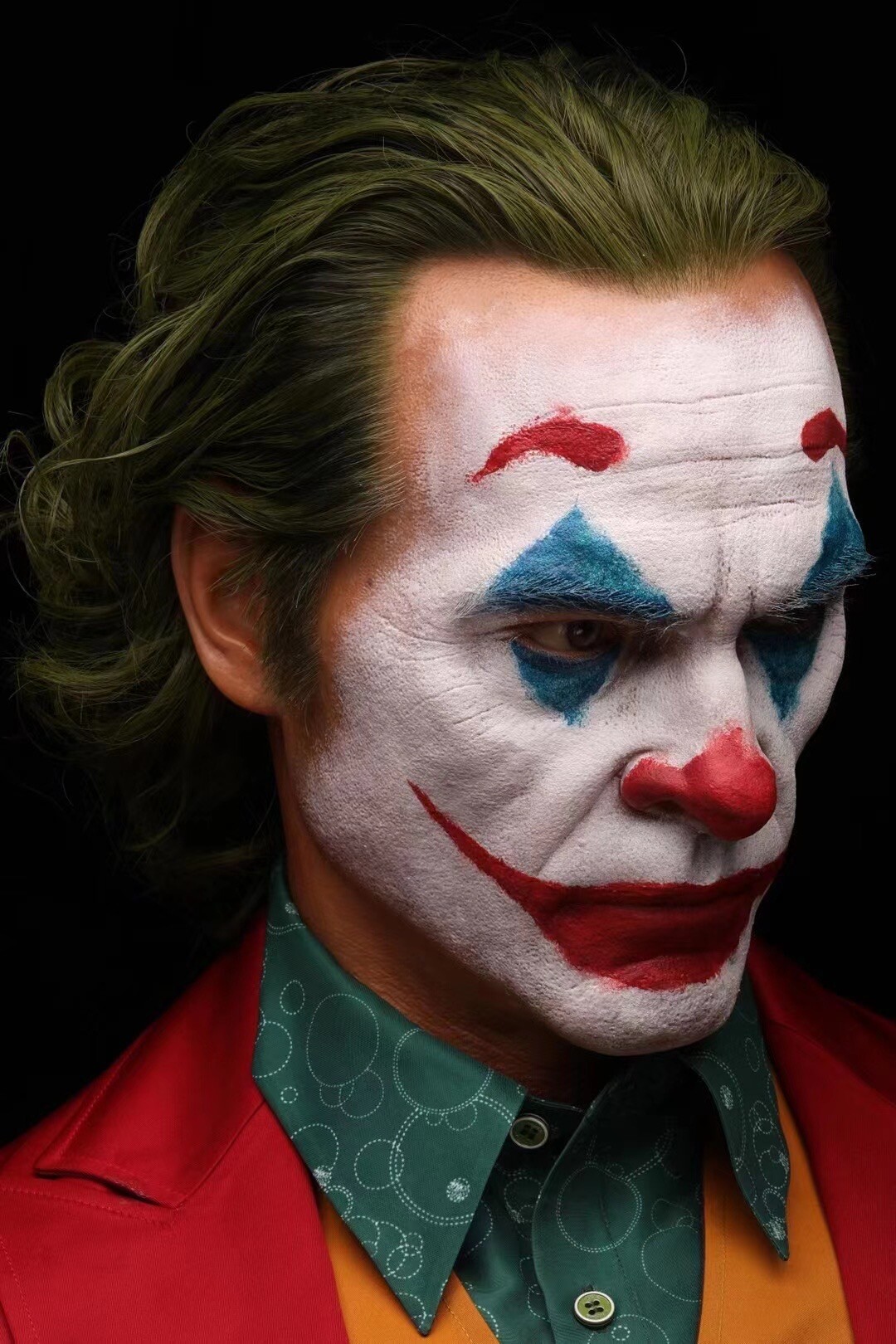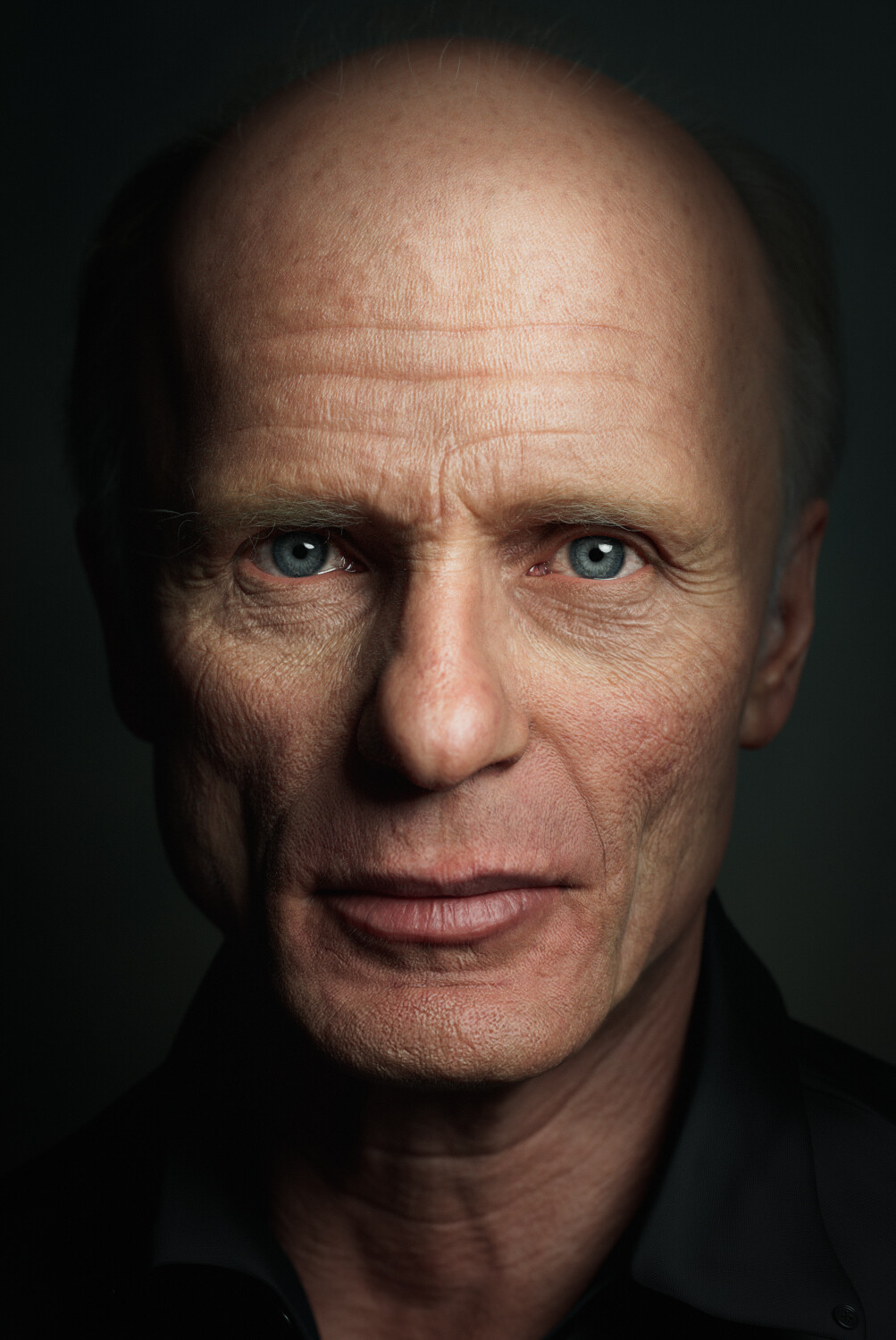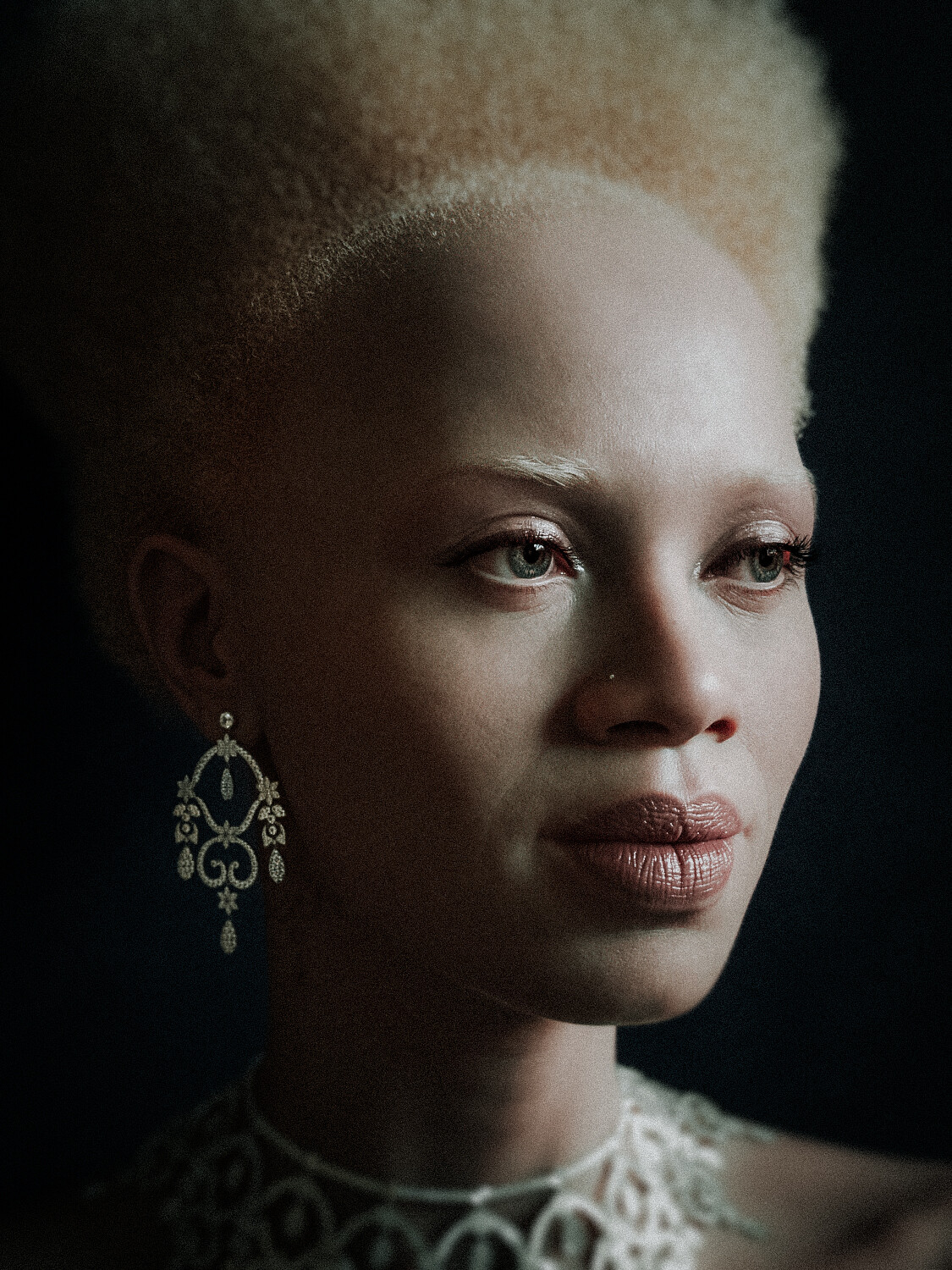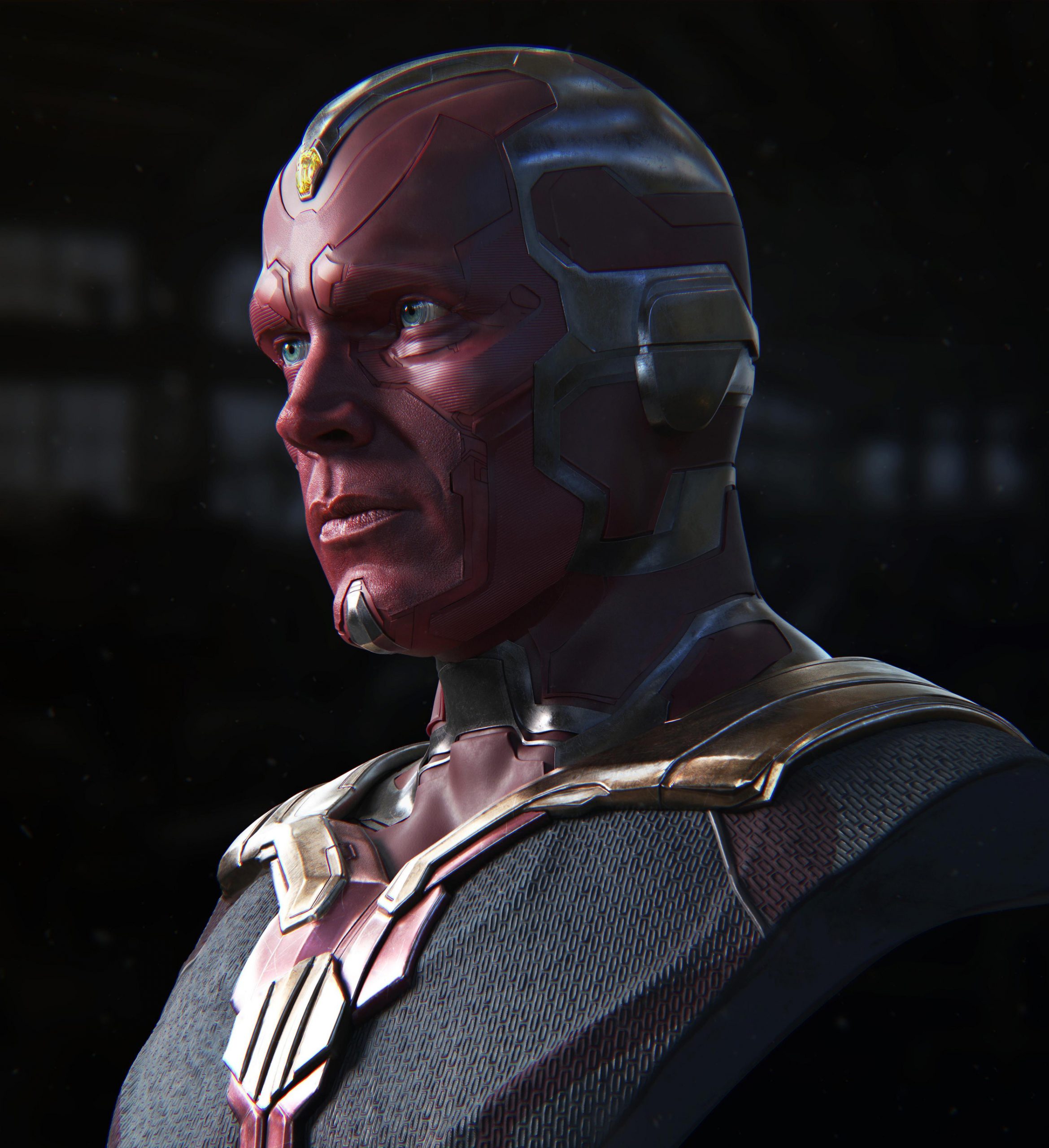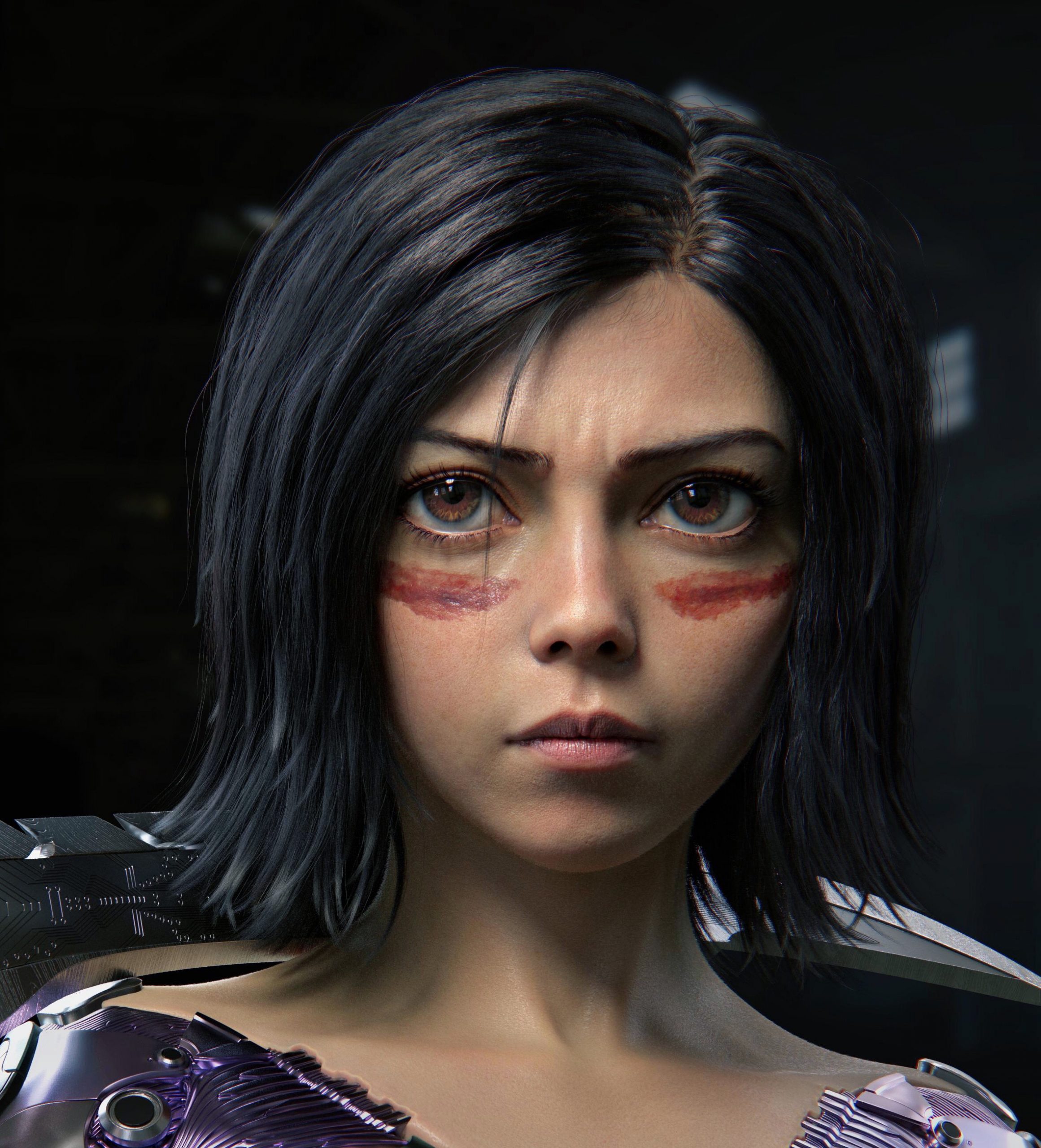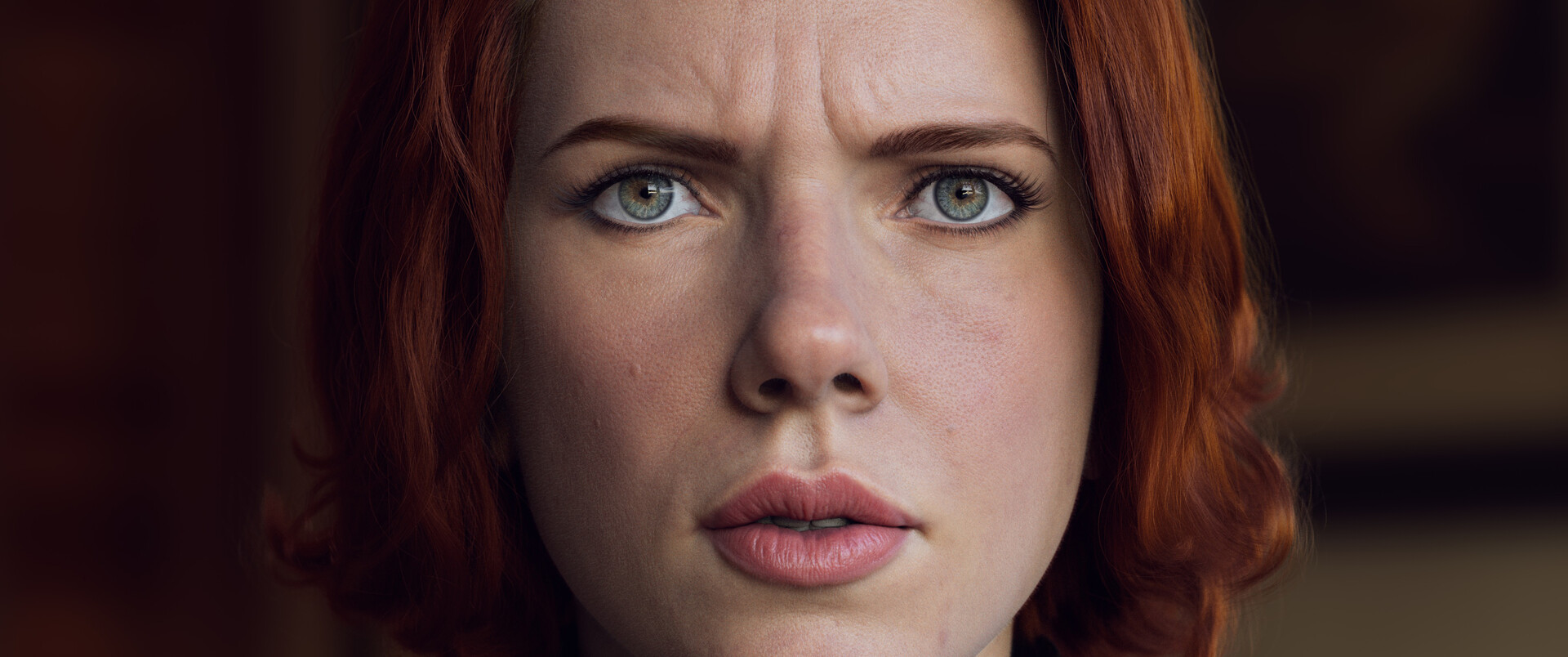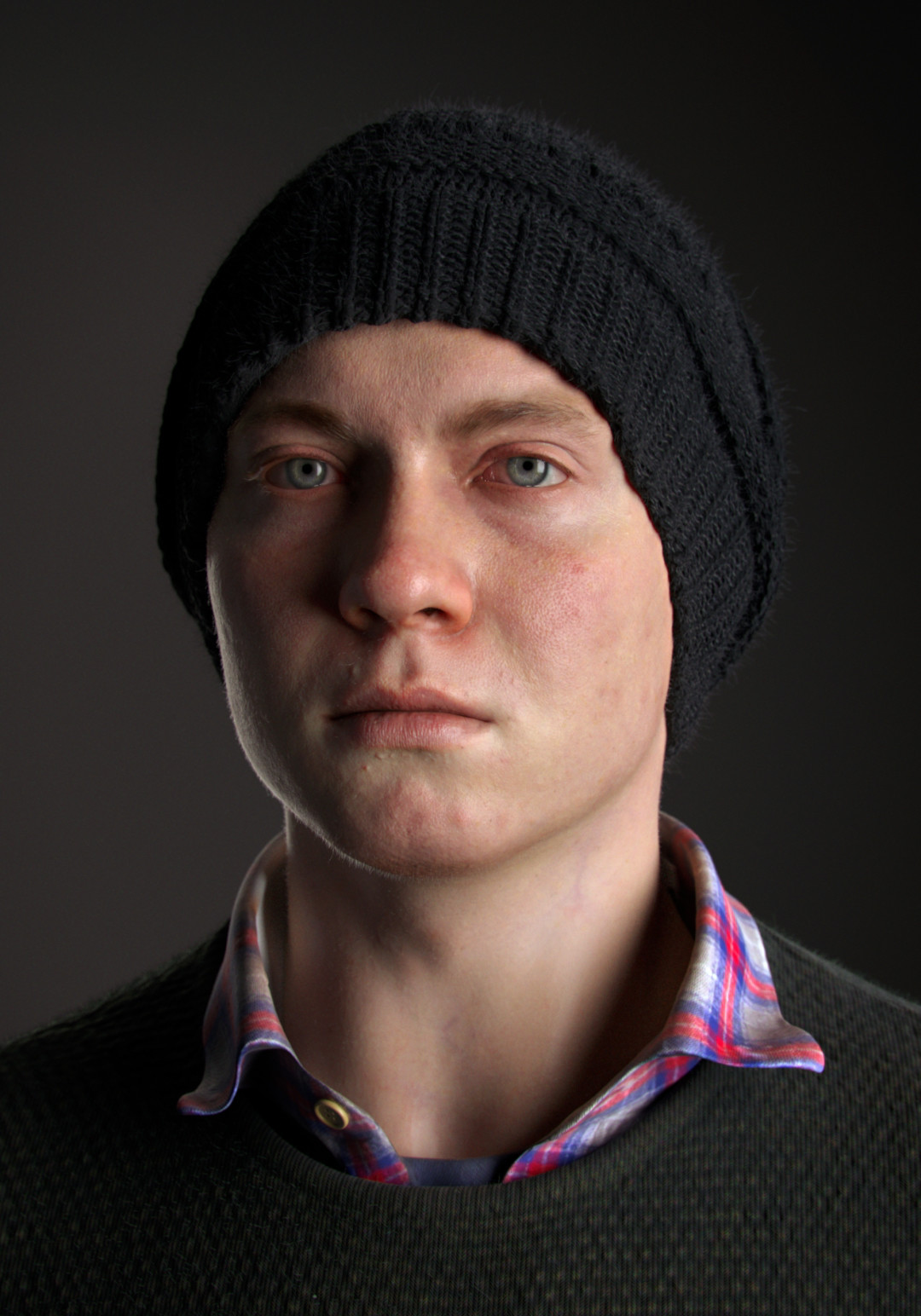
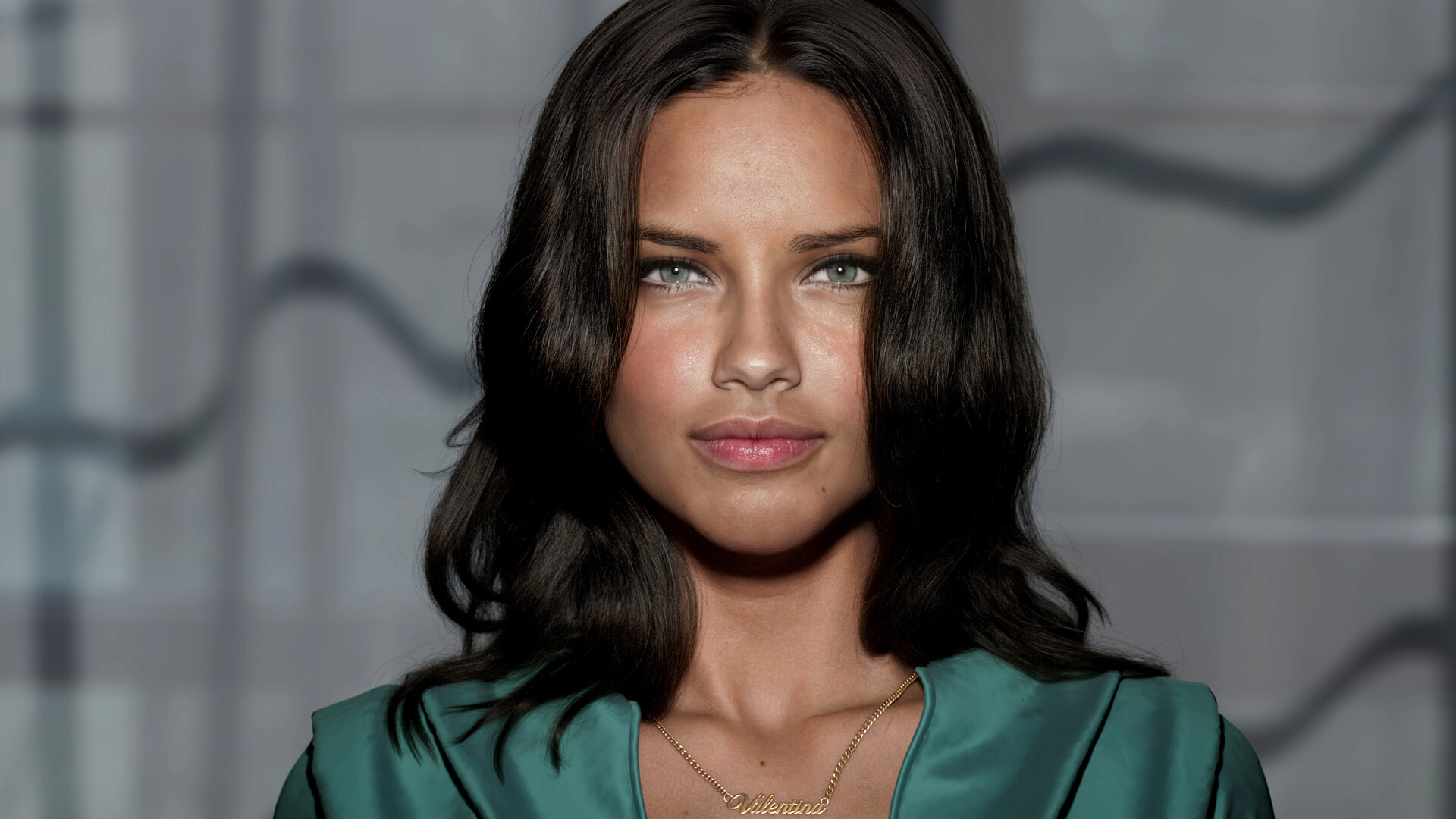

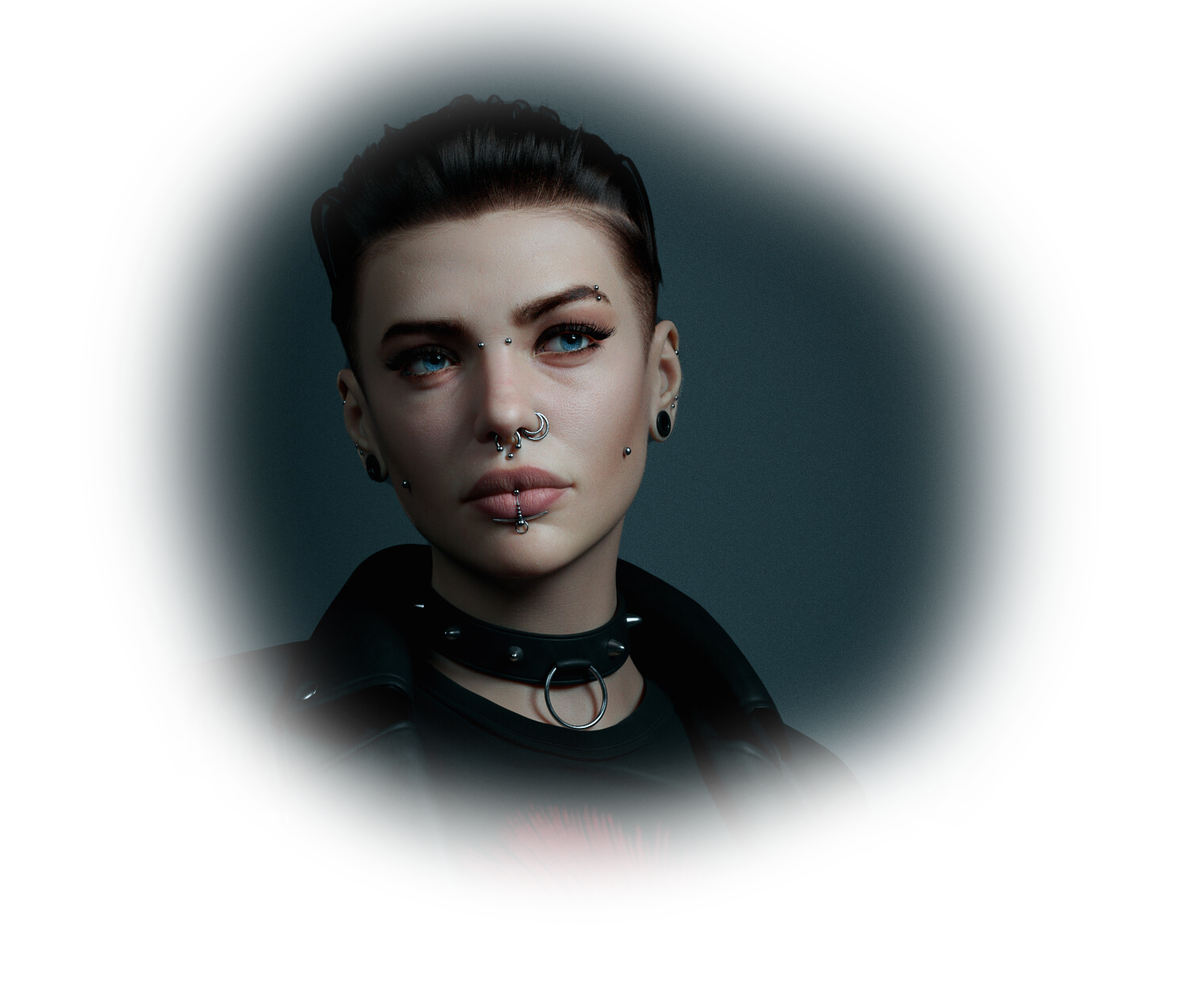

Art by Samir Mir
ZWrap - plugin for ZBrush
ZWrap is a plugin for ZBrush® that allows you to automatically fit a pre-existing topology to your models. With an easy-to-use interface, it greatly speeds up a process of converting your characters and 3D scans into a production-ready topology.
How ZWrap Works
What's new in ZWrap

Fast Wrapping
Wrap your models up to 20 times faster

Cartoon Wrapping
Process cartoon characters and creatures easier with the new Cartoon Wrapping tool

Spline Selection
Control polygon flow by drawing spline correspondences on your models with a few clicks

Maxon ZBrush® Support
Use ZWrap with the latest versions of Maxon ZBrush®

Select your License Type
All the versions are fully featured regardless of the license type
Node-Locked
Node-Locked
- Annual Subscription License
- Single Machine
ZWrap is free for students, universities, and schools
compare products
How to Choose Between Wrap and ZWrap?
ZWrap is a lightweight, easy-to-use ZBrush plugin designed to bring your digital assets to a predefined topology (template). It includes practical tools for wrapping, point and spline selection, and texture projection.
Wrap is a professional standalone application featuring a node-based graph, procedural workflows, scripting, and command-line automation. It adds 80+ nodes for procedural operations such as geometry processing, advanced wrapping, and FACS-related workflows.
When ZWrap is a good fit:
- You work in ZBrush and prefer to stay inside your sculpting workflow;
- Your primary input is character/creature sculpts, body scans, or neutral face scans;
- Bringing assets to a consistent topology is an occasional task and a small part of your pipeline;
- You don’t need automation, scripting, or batch processing;
- You don’t need to process large volumes of facial scans across many expressions (FACS).
When Wrap is a good fit:
- Scan processing and topology standardization are a core part of your production work;
- You handle large volumes of neutral scans and/or multiple subjects;
- You work with many facial expressions (FACS);
- You want to simplify and automate processing as much as possible;
- You need a procedural pipeline with a node graph, scripting, CLI, and batch execution;
- You build blendshapes for facial rigs and animation pipelines;
- You require advanced tools for deformations, retargeting, masking/selections, transform operations.